Link stats, chats, messages, media
import OnlyFansAPI from '@onlyfansapi/onlyfans-sdk';

const client = new OnlyFansAPI();

// GET /api/{account}/tracking-links/{tracking_link_id}/stats
const { data } = await client.trackingLinks.getStats('12345678', {
  account: 'acct_XXXXXXXXXXXXX',
});

const summary = data?.summary;
console.log(`Clicks: ${summary?.clicks_total} · Subs: ${summary?.subs_total} · Spenders: ${summary?.spenders_total}`);

const arps = (summary?.revenue_total ?? 0) / (summary?.subs_total || 1);
console.log(`ARPS: $${arps.toFixed(2)} · Lifetime: $${summary?.revenue_total}`);
// Output:
// Clicks: 1240 · Subs: 300 · Spenders: 42
// ARPS: $12.40 · Lifetime: $3720import OnlyFansAPI from '@onlyfansapi/onlyfans-sdk';
const client = new OnlyFansAPI();
// GET /api/{account}/tracking-links/{tracking_link_id}/spenders
const { data: spenders } = await client.trackingLinks.listSpenders('12345678', {
account: 'acct_XXXXXXXXXXXXX',
minSpend: 5,
limit: 50,
});
for (const fan of spenders ?? []) {
console.log(`@${fan.username} spent $${fan.revenue?.total}`);
}
// Output:
// @sarah_k spent $189import OnlyFansAPI from '@onlyfansapi/onlyfans-sdk';
const client = new OnlyFansAPI();
// GET /api/{account}/chats
const { data: chats, _pagination } = await client.chats.list('acct_XXXXXXXXXXXXX', {
filter: 'unread',
order: 'recent',
limit: '25',
});
for (const chat of chats ?? []) {
console.log(`@${chat.fan?.username} (${chat.unreadMessagesCount} unread): ${chat.lastMessage?.text}`);
}
console.log(_pagination?.next_page);
// Output:
// @sarah_k (3 unread): Hey, are you around?
// https://app.fansapi.com/api/acct_XXXXXXXXXXXXX/chats?filter=unread&order=recent&limit=25&offset=25import OnlyFansAPI from '@onlyfansapi/onlyfans-sdk';
const client = new OnlyFansAPI();
// GET /api/{account}/chats/{chat_id}/messages
const { data: messages } = await client.chats.messages.list('987654321', {
account: 'acct_XXXXXXXXXXXXX',
order: 'desc',
limit: '50',
});
for (const message of messages ?? []) {
console.log(`[${message.createdAt}] ${message.text}`);
}
// Output:
// [2026-09-04T18:22:41+00:00] Just posted something new for you 💜import OnlyFansAPI from '@onlyfansapi/onlyfans-sdk';
const client = new OnlyFansAPI();
// POST /api/{account}/chats/{chat_id}/messages
const { data: message } = await client.chats.messages.send('987654321', {
account: 'acct_XXXXXXXXXXXXX',
text: 'Hey! Thanks for subscribing 💜',
mediaFiles: ['ofapi_media_XXXXXXXXXXXXX'],
price: 9.99,
});
console.log(`Message sent #${message?.id}`);
// Output:
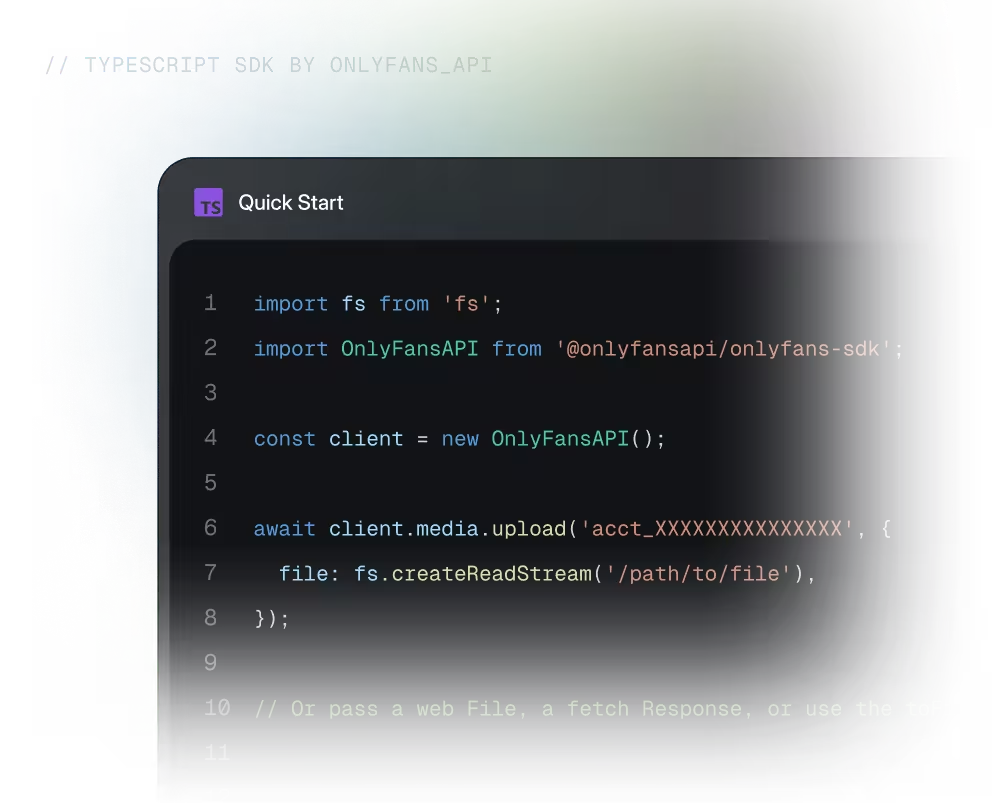
// Message sent #6182934517import fs from 'fs';
import OnlyFansAPI from '@onlyfansapi/onlyfans-sdk';
const client = new OnlyFansAPI();
// GET /api/{account}/media/download/{cdnUrl}
// The SDK types the body as text; use asResponse() to read the raw bytes.
const cdnUrl = 'https://cdn2.onlyfans.com/files/...';
const response = await client.media
.download(encodeURIComponent(cdnUrl), { account: 'acct_XXXXXXXXXXXXX' })
.asResponse();
fs.writeFileSync('/path/to/file.jpg', Buffer.from(await response.arrayBuffer()));
// Output:
// /path/to/file.jpg written (1.8 MB)A type-safe OnlyFans API client
for Node.js, Deno and Bun
Idiomatic objects, flexible IO, and strong tooling support for growing codebases.
Fully Typed
TypeScript definitions for every request and response, with docs on hover in your editor.
Automatic retries
Failed requests retry twice with exponential backoff, including rate limits and timeouts.
Flexible uploads
Pass a web File, a fetch Response, an fs.ReadStream, or use the toFile helper.


The details that matter
after your first request
Resilient networking and predictable behavior are built into the client, so production code stays focused on your product.
Analytics Dashboards
Bring account and performance data into reporting experiences your team can act on.
Media Workflows
Build upload flows around familiar file, stream, and byte-based objects.
Internal Automation
Build upload flows around familiar file, stream, and byte-based objects.
Multi-account tools
Create focused interfaces for teams working across multiple connected accounts.
Reporting Pipelines
Move structured API responses into warehouses, spreadsheets, and custom reports.
Custom integrations
Extend the typed client with custom requests when your product needs more flexibility.
Everything you need
for the next step
Move from the quick start to complete endpoint details and source code.
TypeScript SDK docs
Installation, configuration, examples, and language-specific guidance.
API reference
Explore endpoints, parameters, response schemas, and error details.

Source on GitHub
Review the SDK source, releases, examples, and contribution guide.