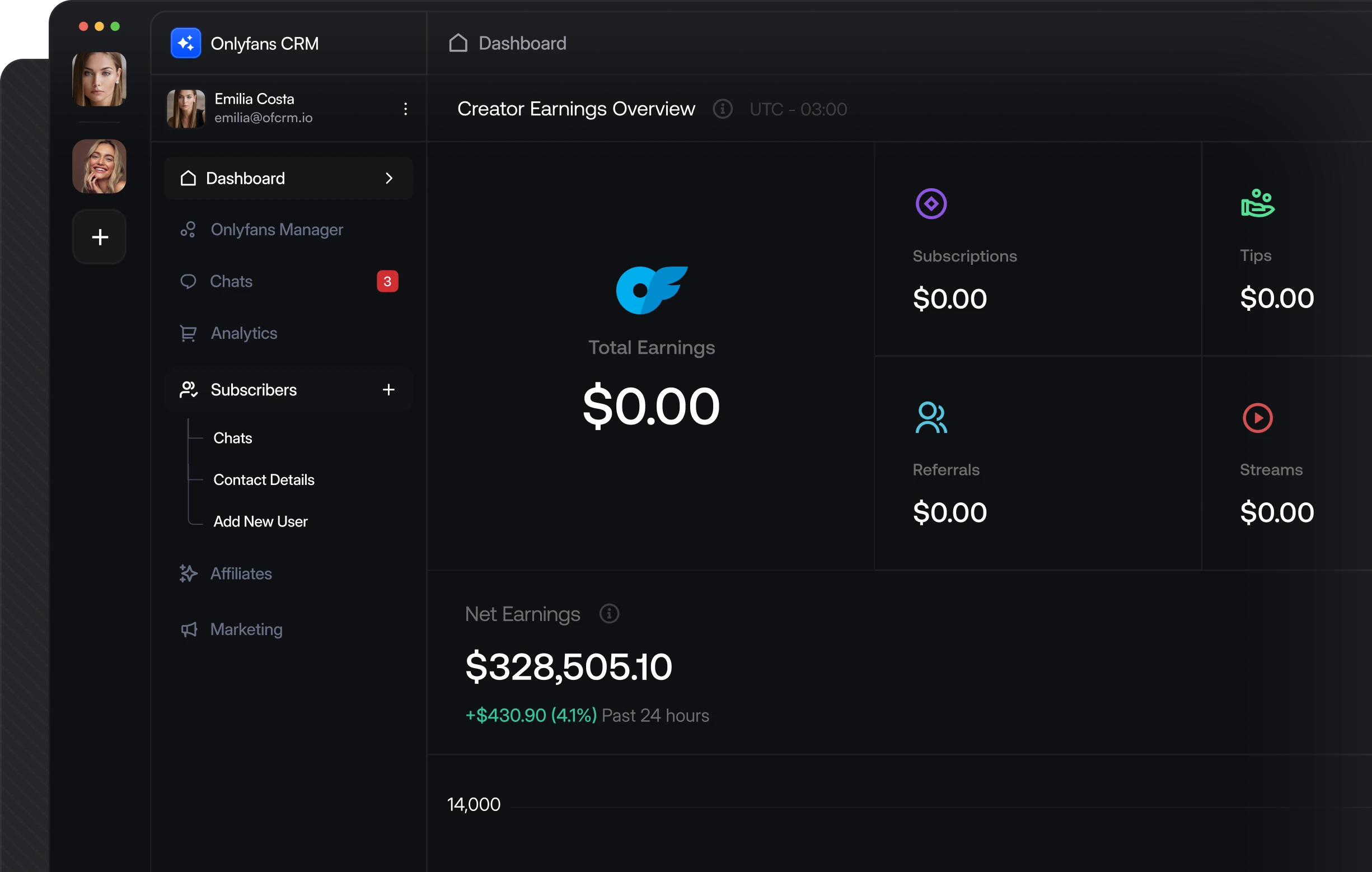
Build Your Own OnlyFans CRM with a Complete API Backend
Everything you need to build a CRM like Infloww, CreatorHero, or OnlyMonster. Embeddable auth via our NPM package, full chat and messaging endpoints, media upload and download, fan management, and real-time webhooks — all production-ready.
How Your CRM Connects to OnlyFans
Creators authenticate inside your app via our NPM package. Their account data, chats, and media flow through your CRM in real time.
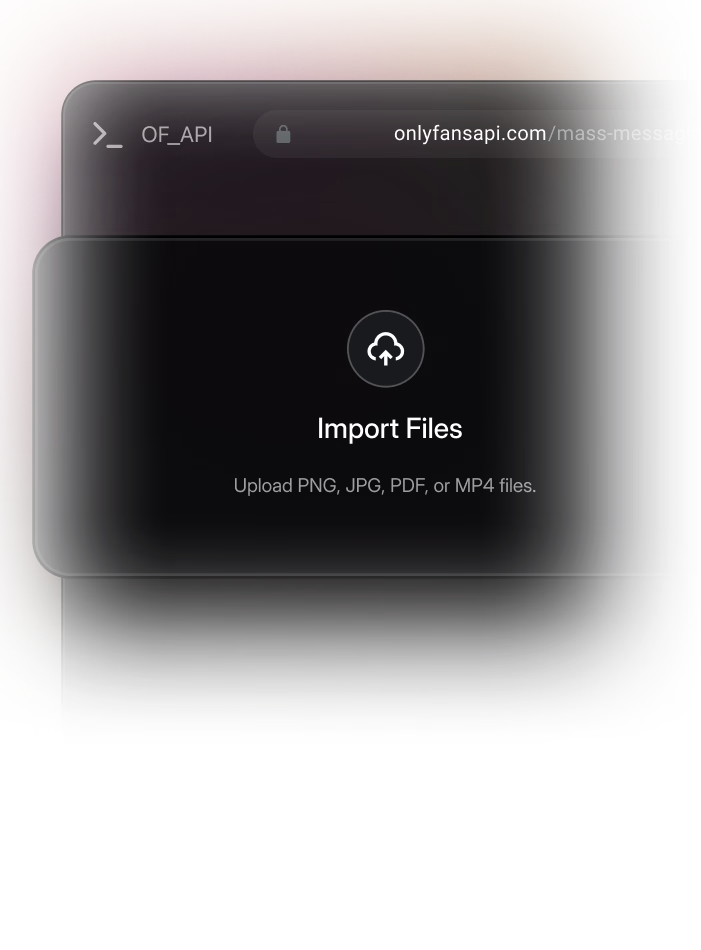
Creator Auth
@onlyfansapi/auth opens a secure modal in your app
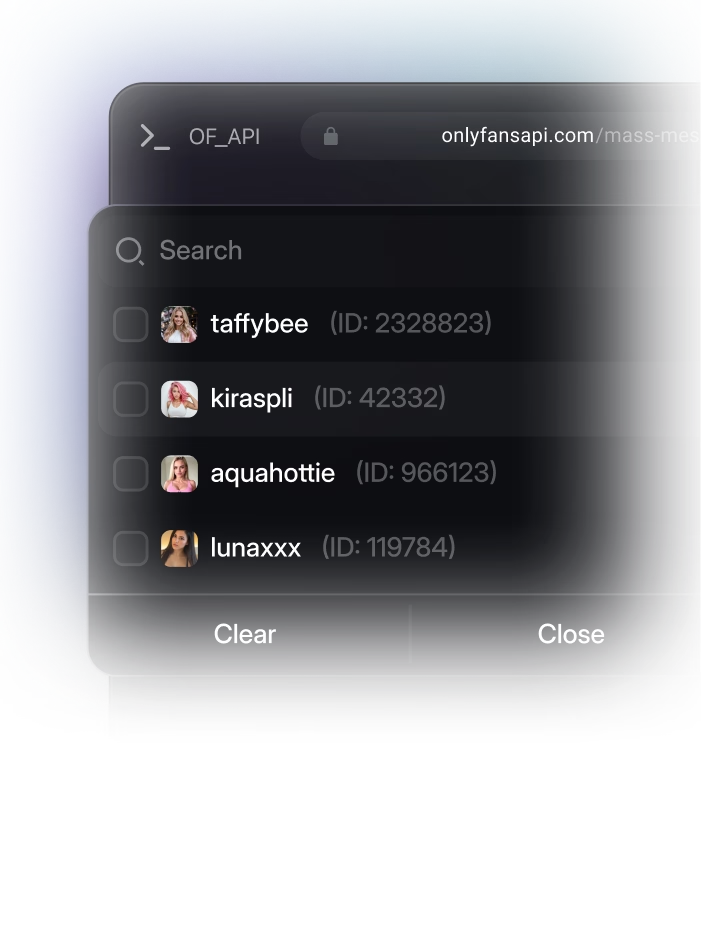
Account Connected
You get the account ID and profile data
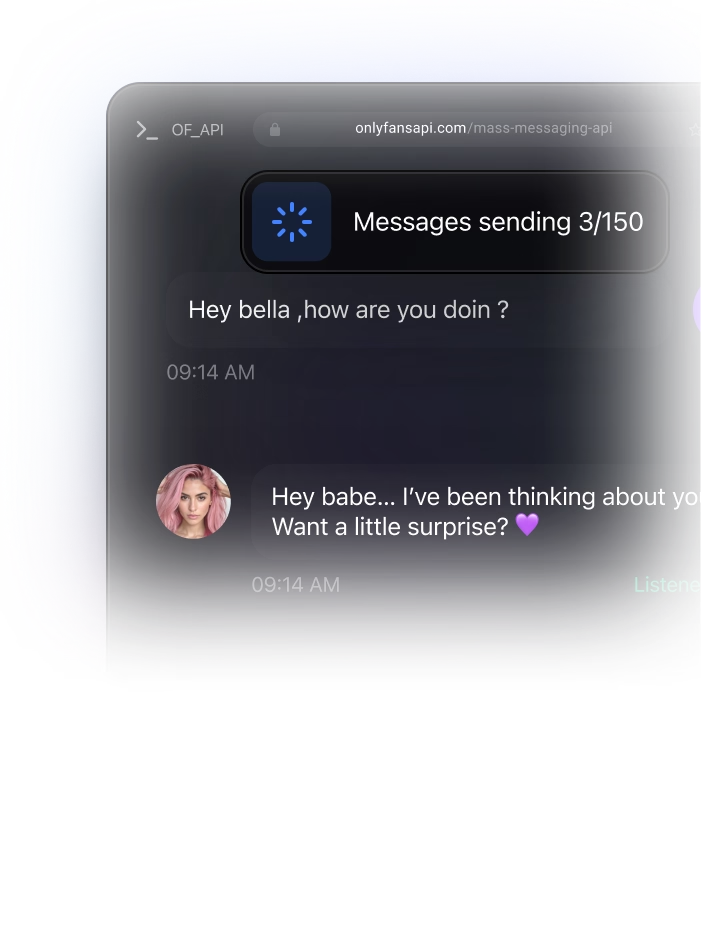
Your CRM
Chats, fans, media, and revenue via API
Live Webhooks
Messages, subs, and payments in real time
Complete OnlyFans API Suite for Modern Agency CRMs
From seamless creator authentication to real-time chat sync, media pipelines, and financial tracking — every layer of your CRM backend is covered.
Embeddable Creator Authentication
Let creators connect their OnlyFans account directly inside your CRM. Our @onlyfansapi/auth NPM package opens a secure modal with iframe-based auth, handles 2FA, and returns the account ID.
Full Chat & Messaging System
Build a complete inbox inside your CRM. List chats, read message history, send text and PPV messages, show typing indicators, and search conversations.
Media Upload & Download
Upload photos and videos to the OnlyFans CDN, manage the vault with lists, and download media using CDN URLs. Complete media pipeline for your CRM.
Fan Management & Lists
Fetch subscriber lists, segment fans with custom labels, view spending history, and build smart lists for targeted outreach.
Revenue & Earnings Analytics
Track transaction feeds, earnings breakdowns, payout histories, and chargebacks. Build financial dashboards with real-time accuracy.
Feed & Post Publishing
Create and schedule posts, manage stories, labels, and archives. Let creators publish content directly from your CRM.
Ship Faster with Real Code Examples
Embed auth with our NPM package, build a chat inbox, and manage fan profiles — copy these into your project.
// npm install @onlyfansapi/auth
import { startOnlyFansAuthentication } from '@onlyfansapi/auth';

// Step 1: Create a client session on your backend
const sessionResponse = await fetch(
  'https://app.fansapi.com/api/client-sessions',
  {
    method: 'POST',
    headers: {
      'Authorization': 'Bearer sk_your_api_key',
      'Content-Type': 'application/json'
    },
    body: JSON.stringify({
      client_reference_id: 'user_123_in_your_db'
    })
  }
);
const { token } = await sessionResponse.json();

// Step 2: Open the auth modal in the browser
startOnlyFansAuthentication(token, {
  onSuccess: (data) => {
    // data.accountId = "acct_XXXX"
    // data.username = "creator_username"
    // data.onlyfansData = { id, username, email, avatar_url, name }
    console.log('Connected:', data.accountId);

    // Save to your database
    await db.creators.create({
      accountId: data.accountId,
      username: data.username,
      email: data.onlyfansData.email,
      avatarUrl: data.onlyfansData.avatar_url,
    });
  },
  onError: (error) => {
    console.error('Auth failed:', error.message);
  }
});// List all chats for a creator
const chatsResponse = await fetch(
'https://app.fansapi.com/api/acct_XXXX/chats',
{
headers: {
'Authorization': 'Bearer sk_your_api_key',
'Content-Type': 'application/json'
}
}
);
const chats = await chatsResponse.json();
// Get messages for a specific chat
const messagesResponse = await fetch(
'https://app.fansapi.com/api/acct_XXXX/chats/' + chatId + '/messages',
{
headers: {
'Authorization': 'Bearer sk_your_api_key',
'Content-Type': 'application/json'
}
}
);
const messages = await messagesResponse.json();
// Send a reply from the CRM
await fetch(
'https://app.fansapi.com/api/acct_XXXX/chats/' + chatId + '/messages',
{
method: 'POST',
headers: {
'Authorization': 'Bearer sk_your_api_key',
'Content-Type': 'application/json'
},
body: JSON.stringify({
text: 'Thanks for your message! 💕'
})
}
);
// Send a PPV message with media
const mediaResponse = await fetch(
'https://app.fansapi.com/api/acct_XXXX/media/upload',
{
method: 'POST',
headers: {
'Authorization': 'Bearer sk_your_api_key',
'Content-Type': 'application/json'
},
body: JSON.stringify({
file_url: 'https://your-cdn.com/exclusive.mp4'
})
}
);
const media = await mediaResponse.json();
await fetch(
'https://app.fansapi.com/api/acct_XXXX/chats/' + chatId + '/messages',
{
method: 'POST',
headers: {
'Authorization': 'Bearer sk_your_api_key',
'Content-Type': 'application/json'
},
body: JSON.stringify({
text: 'Something special just for you 🔥',
price: 14.99,
mediaFiles: [media.data.id]
})
}
);// Get fan profile with full spending breakdown
const fanResponse = await fetch(
'https://app.fansapi.com/api/acct_XXXX/users/' + fanUsername,
{
headers: {
'Authorization': 'Bearer sk_your_api_key',
'Content-Type': 'application/json'
}
}
);
const fan = await fanResponse.json();
// fan.data.subscribedOnData = {
// totalSumm, messagesSumm, tipsSumm,
// postsSumm, streamsSumm, subscribesSumm
// }
// Get subscription history
const historyResponse = await fetch(
'https://app.fansapi.com/api/acct_XXXX/fans/' + fan.data.id
+ '/subscriptions-history',
{
headers: {
'Authorization': 'Bearer sk_your_api_key',
'Content-Type': 'application/json'
}
}
);
const history = await historyResponse.json();
// Set custom name (CRM display name)
await fetch(
'https://app.fansapi.com/api/acct_XXXX/fans/' + fan.data.id + '/custom-name',
{
method: 'PUT',
headers: {
'Authorization': 'Bearer sk_your_api_key',
'Content-Type': 'application/json'
},
body: JSON.stringify({
customName: 'VIP Whale - $' + fan.data.subscribedOnData.totalSumm
})
}
);
// Add fan notes
await fetch(
'https://app.fansapi.com/api/acct_XXXX/fans/' + fan.data.id + '/notes',
{
method: 'PUT',
headers: {
'Authorization': 'Bearer sk_your_api_key',
'Content-Type': 'application/json'
},
body: JSON.stringify({
note: 'High spender. Prefers exclusive content. '
+ 'Last tip: $50 on 2025-03-15.'
})
}
);
// Add to a user list for segmentation
await fetch(
'https://app.fansapi.com/api/acct_XXXX/user-lists/vip_list_id/users',
{
method: 'POST',
headers: {
'Authorization': 'Bearer sk_your_api_key',
'Content-Type': 'application/json'
},
body: JSON.stringify({
userIds: [fan.data.id]
})
}
);Essential Endpoints & Webhooks for CRM Architecture
Every endpoint and webhook needed to sync accounts, stream live messages, and manage content in your custom CRM.
Endpoints
- POST/api/client-sessions
Create client session for embedded auth
- POST/api/authenticate
Start authentication flow
- GET/api/authenticate/{attempt_id}
Poll authentication status
- PUT/api/authenticate/{attempt_id}
Submit 2FA code
- GET/api/{account}/chats
List all chats
- GET/api/{account}/chats/{chat_id}/messages
List messages in a chat
- POST/api/{account}/chats/{chat_id}/messages
Send message (text/media/PPV)
- GET/api/{account}/chats/{chat_id}/messages/search
Search messages in a chat
- POST/api/{account}/chats/{chat_id}/typing
Show typing indicator
- GET/api/{account}/chats/{chat_id}/media
List media in a chat (gallery)
- POST/api/{account}/media/upload
Upload media to OnlyFans CDN
- GET/api/{account}/media/download/{cdnUrl}
Download media from CDN
Webhook Events
- EVENTaccounts.connected
Creator connects their OnlyFans account via your embedded auth.
- EVENTaccounts.reconnected
Creator reconnects after session expiry.
- EVENTaccounts.authentication_failed
Session expired and auto-reconnect failed — prompt re-authentication.
- EVENTmessages.received
New incoming fan message — update your CRM inbox in real time.
- EVENTmessages.sent
Outgoing message confirmed — sync sent status in your CRM.
- EVENTmessages.ppv.unlocked
Fan unlocked PPV content — track revenue per message.
- EVENTsubscriptions.new
New subscriber — automatically create a fan profile in your CRM.
- EVENTsubscriptions.renewed
Subscription renewed — update lifecycle status.
- EVENTtransactions.new
Payment received — update fan spending and revenue analytics.
- EVENTtips.received
Fan sent a tip — update fan profile and trigger notifications.