How Chat Automation Works
Webhooks deliver fan messages to your server in real time. Your AI or rule engine processes them, then responds via the API — in seconds.
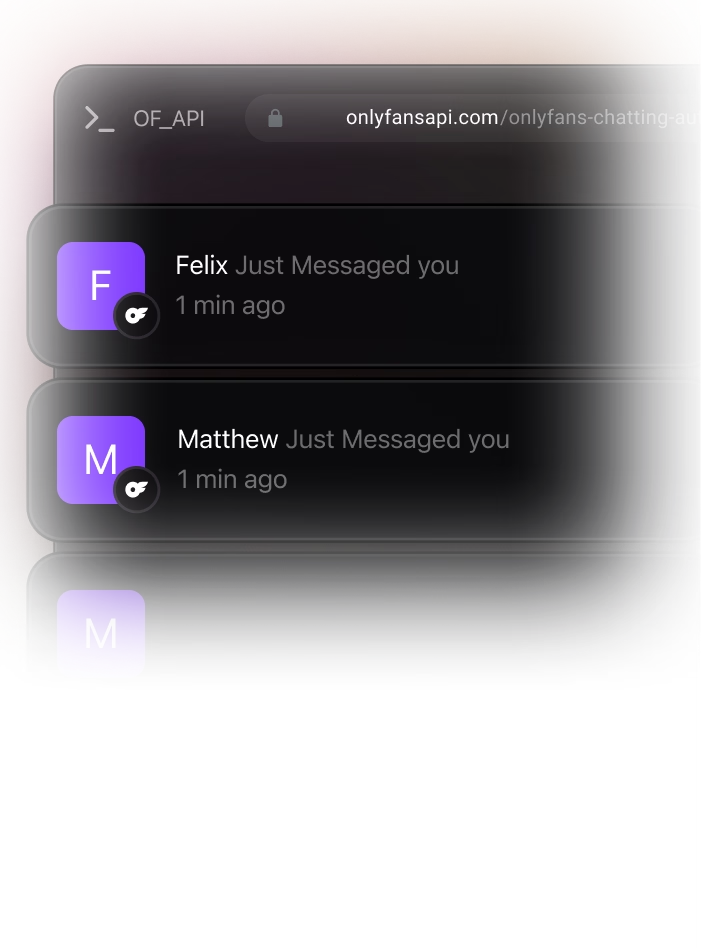
Fan Messages
Incoming message triggers webhook instantly
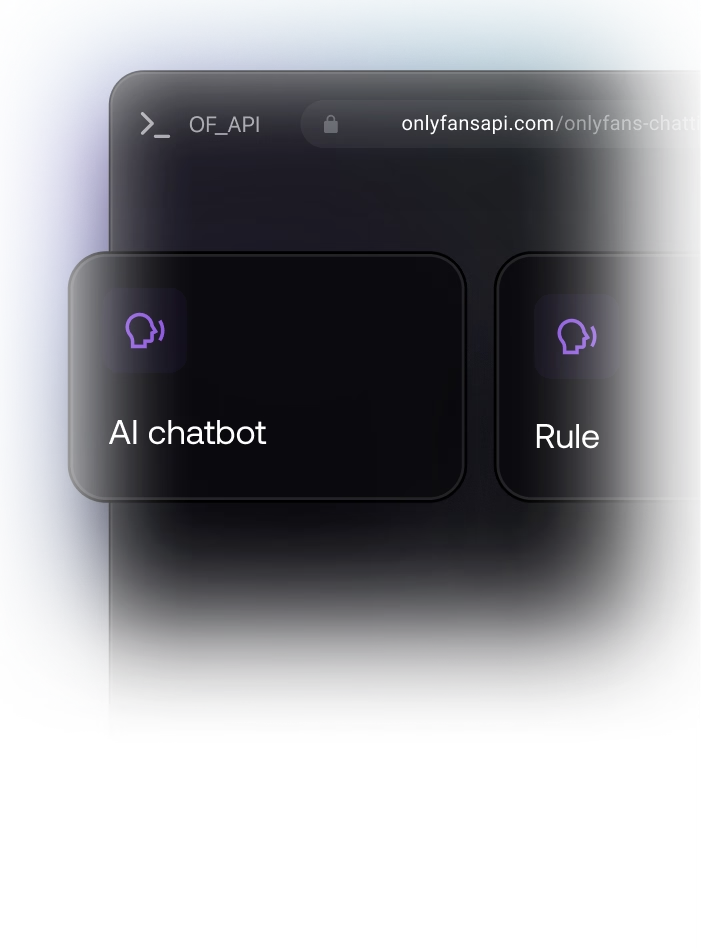
Your Server
AI chatbot or rule engine processes message
Typing Indicator
Show typing for natural conversation feel
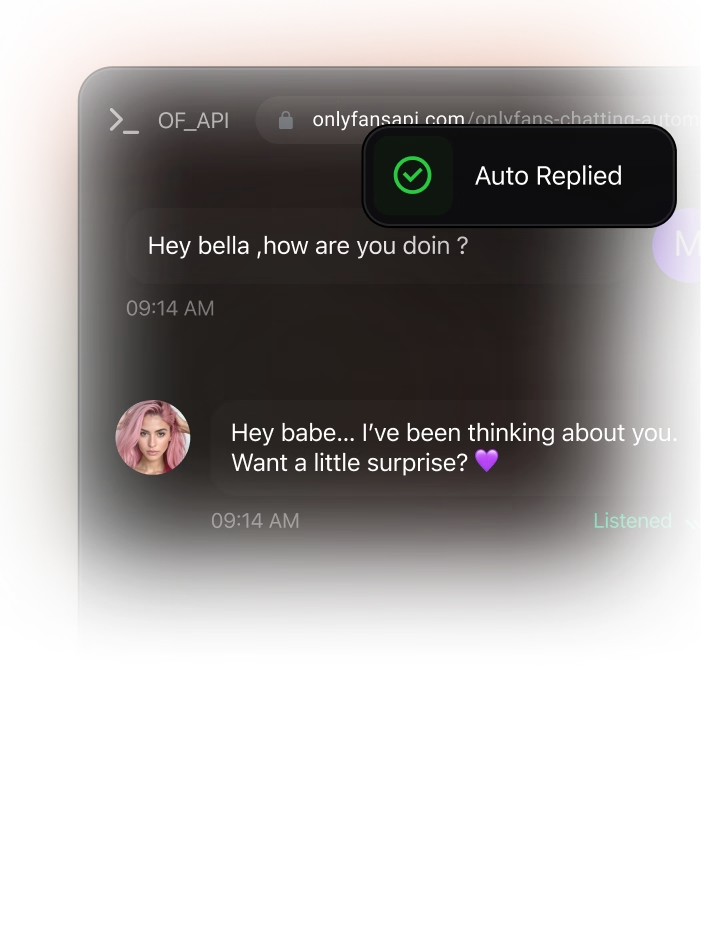
Auto-Reply
Send response via API — text, media, or PPV
Real Webhook-Driven Chat Automation Use Cases
Each use case shows the webhook trigger and the API call to make. Build AI chatbots, welcome sequences, and upsell flows.
Auto-Respond to New Messages
When a fan sends a message, your webhook fires instantly. Route the message to your AI chatbot or rule engine and respond within seconds.
Welcome New Subscribers Automatically
Trigger a welcome message sequence when a fan subscribes. Send a greeting, then follow up with PPV content on a schedule.
PPV Upsell on Tip Events
When a fan sends a tip, automatically follow up with exclusive PPV content — they already showed buying intent.
Show Typing Indicators
Make automated responses feel human. Trigger typing indicators before sending replies for a natural conversation flow.
Search and Analyze Chat History
Search through chat messages to find keywords, analyze conversation patterns, and extract insights for your AI models.
Track Chat-Driven Revenue
Monitor which automated conversations drive the most PPV unlocks and tips. Optimize your chat flows for maximum revenue.
Production-Ready Code Examples
Webhook handlers for auto-responding, welcome sequences, and tip-based upsells. Copy into your project and customize.
// Webhook handler: messages.received
app.post('/webhooks/onlyfans', async (req, res) => {
  const { event, account_id, payload } = req.body;

  if (event === 'messages.received') {
    // payload.fromUser = sender profile with subscription info
    // payload.text = message content (HTML)
    // payload.fanData.spending = fan's lifetime spend
    const { fromUser, text, fanData } = payload;

    // Skip if message is from the creator (outgoing)
    if (fromUser.isPerformer) return res.sendStatus(200);

    // Generate AI response (your chatbot logic)
    const aiReply = await yourAIChatbot.generateReply({
      message: text,
      fanName: fromUser.name,
      fanSpend: fanData.spending.total,
    });

    // Show typing indicator for natural feel
    await fetch(
      'https://app.fansapi.com/api/' + account_id + '/chats/' + fromUser.id + '/typing',
      {
        method: 'POST',
        headers: {
          'Authorization': 'Bearer sk_your_api_key',
          'Content-Type': 'application/json'
        }
      }
    );

    // Wait 2-4 seconds to simulate typing
    await new Promise(r => setTimeout(r, 2000 + Math.random() * 2000));

    // Send the reply
    await fetch(
      'https://app.fansapi.com/api/' + account_id + '/chats/' + fromUser.id + '/messages',
      {
        method: 'POST',
        headers: {
          'Authorization': 'Bearer sk_your_api_key',
          'Content-Type': 'application/json'
        },
        body: JSON.stringify({ text: aiReply })
      }
    );
  }

  res.sendStatus(200);
});// Webhook handler: subscriptions.new
app.post('/webhooks/onlyfans', async (req, res) => {
const { event, account_id, payload } = req.body;
if (event === 'subscriptions.new') {
// payload.user = new subscriber profile
const chatId = payload.user.id;
// Step 1: Send immediate welcome message
await fetch(
'https://app.fansapi.com/api/' + account_id + '/chats/' + chatId + '/messages',
{
method: 'POST',
headers: {
'Authorization': 'Bearer sk_your_api_key',
'Content-Type': 'application/json'
},
body: JSON.stringify({
text: 'Hey! Welcome 💕 So glad you are here. '
+ 'Check your DMs — I have something special for you.'
})
}
);
// Step 2: Upload exclusive welcome content
const mediaResponse = await fetch(
'https://app.fansapi.com/api/' + account_id + '/media/upload',
{
method: 'POST',
headers: {
'Authorization': 'Bearer sk_your_api_key',
'Content-Type': 'application/json'
},
body: JSON.stringify({
file_url: 'https://your-cdn.com/welcome-exclusive.mp4'
})
}
);
const media = await mediaResponse.json();
// Step 3: Send PPV after 30-minute delay
setTimeout(async () => {
await fetch(
'https://app.fansapi.com/api/' + account_id + '/chats/' + chatId + '/messages',
{
method: 'POST',
headers: {
'Authorization': 'Bearer sk_your_api_key',
'Content-Type': 'application/json'
},
body: JSON.stringify({
text: 'Here is that special something I promised 🔥',
price: 9.99,
mediaFiles: [media.data.id]
})
}
);
}, 30 * 60 * 1000);
}
res.sendStatus(200);
});// Webhook handler: tips.received
app.post('/webhooks/onlyfans', async (req, res) => {
const { event, account_id, payload } = req.body;
if (event === 'tips.received') {
// payload.user = tipper profile
// payload.amountGross / payload.amountNet = tip amounts
// payload.fanData.spending = lifetime spend breakdown
const { user, amountGross, amountNet } = payload;
const chatId = user.id;
// Only upsell if tip is above threshold
if (amountGross < 5) return res.sendStatus(200);
// Select PPV content based on tip amount
let ppvContent, ppvPrice;
if (amountGross >= 50) {
ppvContent = 'premium-exclusive.mp4';
ppvPrice = 25.00;
} else if (amountGross >= 20) {
ppvContent = 'special-content.mp4';
ppvPrice = 15.00;
} else {
ppvContent = 'bonus-content.mp4';
ppvPrice = 9.99;
}
// Upload the PPV media
const mediaResponse = await fetch(
'https://app.fansapi.com/api/' + account_id + '/media/upload',
{
method: 'POST',
headers: {
'Authorization': 'Bearer sk_your_api_key',
'Content-Type': 'application/json'
},
body: JSON.stringify({
file_url: 'https://your-cdn.com/' + ppvContent
})
}
);
const media = await mediaResponse.json();
// Send personalized PPV upsell
await fetch(
'https://app.fansapi.com/api/' + account_id + '/chats/' + chatId + '/messages',
{
method: 'POST',
headers: {
'Authorization': 'Bearer sk_your_api_key',
'Content-Type': 'application/json'
},
body: JSON.stringify({
text: 'Omg thank you so much for the tip!! 😍 '
+ 'You deserve something extra special...',
price: ppvPrice,
mediaFiles: [media.data.id]
})
}
);
}
res.sendStatus(200);
});Available Endpoints and Webhooks
Every endpoint and webhook event for chat automation. Full documentation at docs.fansapi.com.
Endpoints
- GET/api/{account}/chats
List all chats with fans
- GET/api/{account}/chats/{chat_id}/messages
List messages in a chat
- POST/api/{account}/chats/{chat_id}/messages
Send a message — text, media, or PPV
- GET/api/{account}/chats/{chat_id}/messages/search
Search messages in a chat
- POST/api/{account}/chats/{chat_id}/typing
Show typing indicator
- POST/api/{account}/chats/{chat_id}/mark-as-read
Mark chat as read
- POST/api/{account}/chats/mark-as-read
Mark all chats as read
- DELETE/api/{account}/chats/{chat_id}/messages/{id}
Delete a message
- POST/api/{account}/chats/{chat_id}/messages/{id}/like
Like a message
- POST/api/{account}/chats/{chat_id}/messages/{id}/pin
Pin a message
- GET/api/{account}/engagement/messages/direct-messages
DM engagement stats
- GET/api/{account}/engagement/messages/direct-messages/chart
DM engagement chart data
Webhook Events
- EVENTmessages.received
New incoming message from a fan — includes full content, media, and sender data
- EVENTmessages.sent
Outgoing message sent to a fan — confirms delivery with message details
- EVENTmessages.ppv.unlocked
Fan purchases a paid message — includes amount and fan spending history
- EVENTmessages.deleted
A chat message was deleted — includes message ID
- EVENTtips.received
Fan sends a tip — trigger upsell flows with gross/net amounts
- EVENTusers.typing
Fan is typing a message — know when to engage or prepare a response
- EVENTsubscriptions.new
New subscriber — trigger welcome message sequences
Yes. The chat messages endpoint supports text, media attachments, and a price field. Upload your media first via the media/upload endpoint, then send the message with the media IDs and your desired PPV price. Works for both 1:1 chats and mass messaging.